Go-Denoise
A professional-grade desktop audio restoration app that removes background noise and recording contamination from speech and singing vocals while preserving clarity, tone, and natural detail. Runs fully on-device with fast offline processing, simple drag-and-drop workflow, and no subscription.
Have a listen
Use Cases
Built for creators working with vocals in real-world recording environments.
- Home recordingRemove fans, room ambience, computer noise, and everyday background sound
- Singing vocal cleanupRecover clean vocal takes without stripping away tone, detail, or expression
- Podcast & voiceover repairClean speech recordings affected by traffic, hum, distant voices, or poor rooms
- Remote collaborationFix inconsistent recordings sent by artists, clients, guests, or collaborators
- Location recordingRecord outside the studio and remove environmental noise afterward
- Content creationImprove vocals for videos, livestreams, courses, interviews, and social content
- Archive restorationRescue older or irreplaceable recordings affected by persistent background noise
How it works
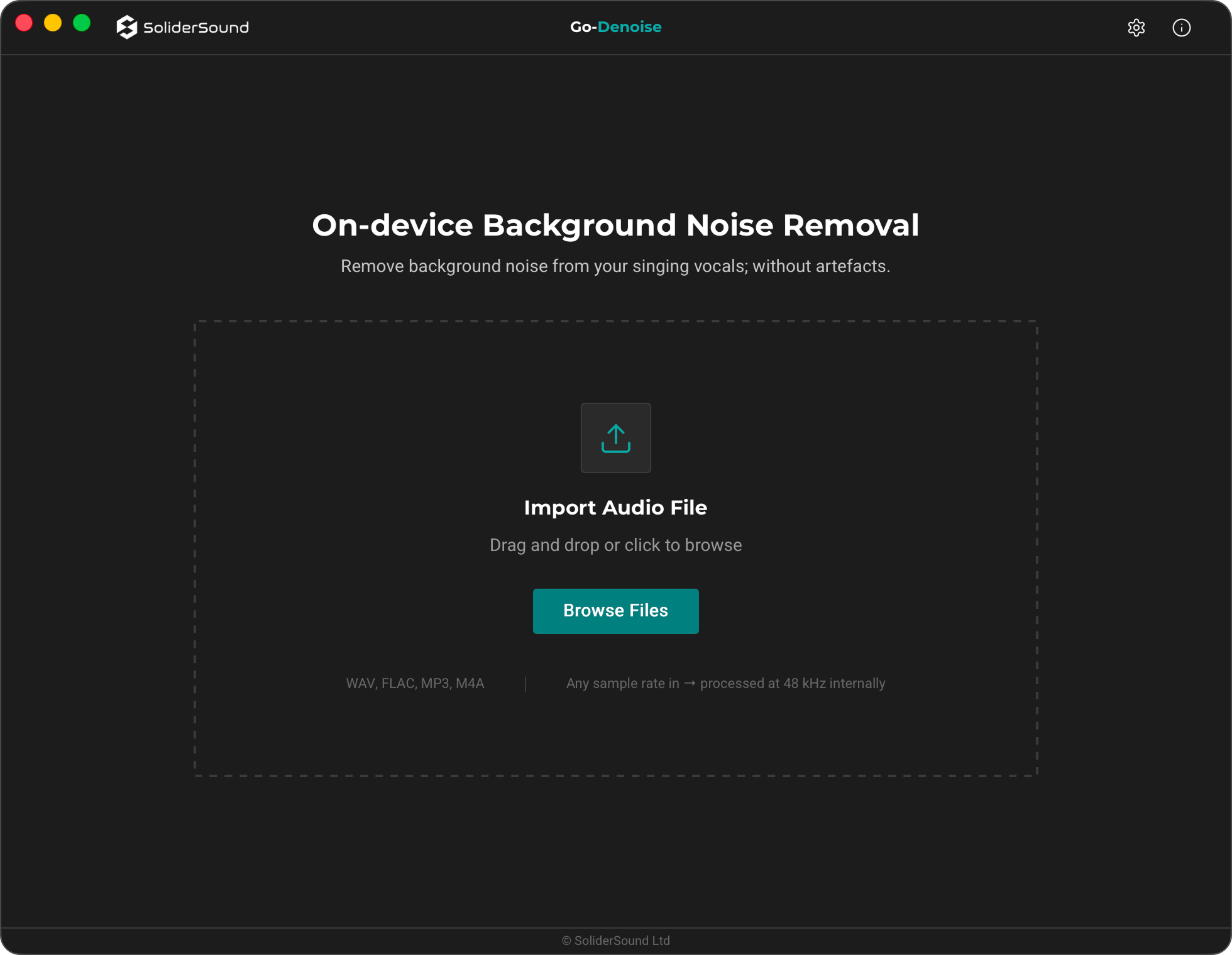
1) Import
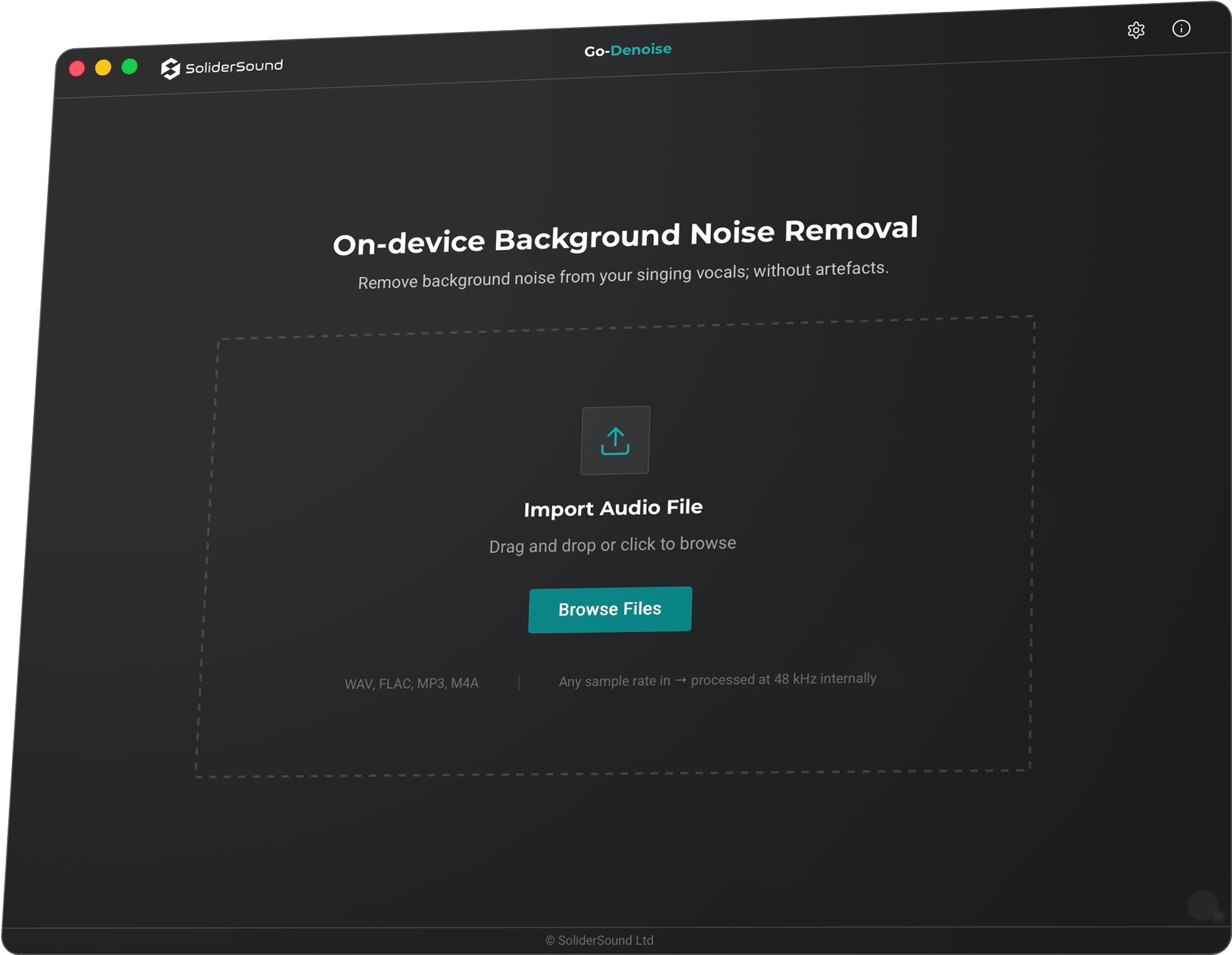
Drag and drop a singing or speech recording into Go-Denoise, or choose a file manually. WAV, FLAC, AIFF, MP3, M4A, AAC, OGG, and Opus are supported, with any input sample rate accepted.
2) Process
Go-Denoise processes the recording locally using its on-device neural engine, with GPU acceleration on macOS and Windows. Live progress and status updates are shown while the audio is enhanced, with no cloud upload involved.
3) Compare & Export
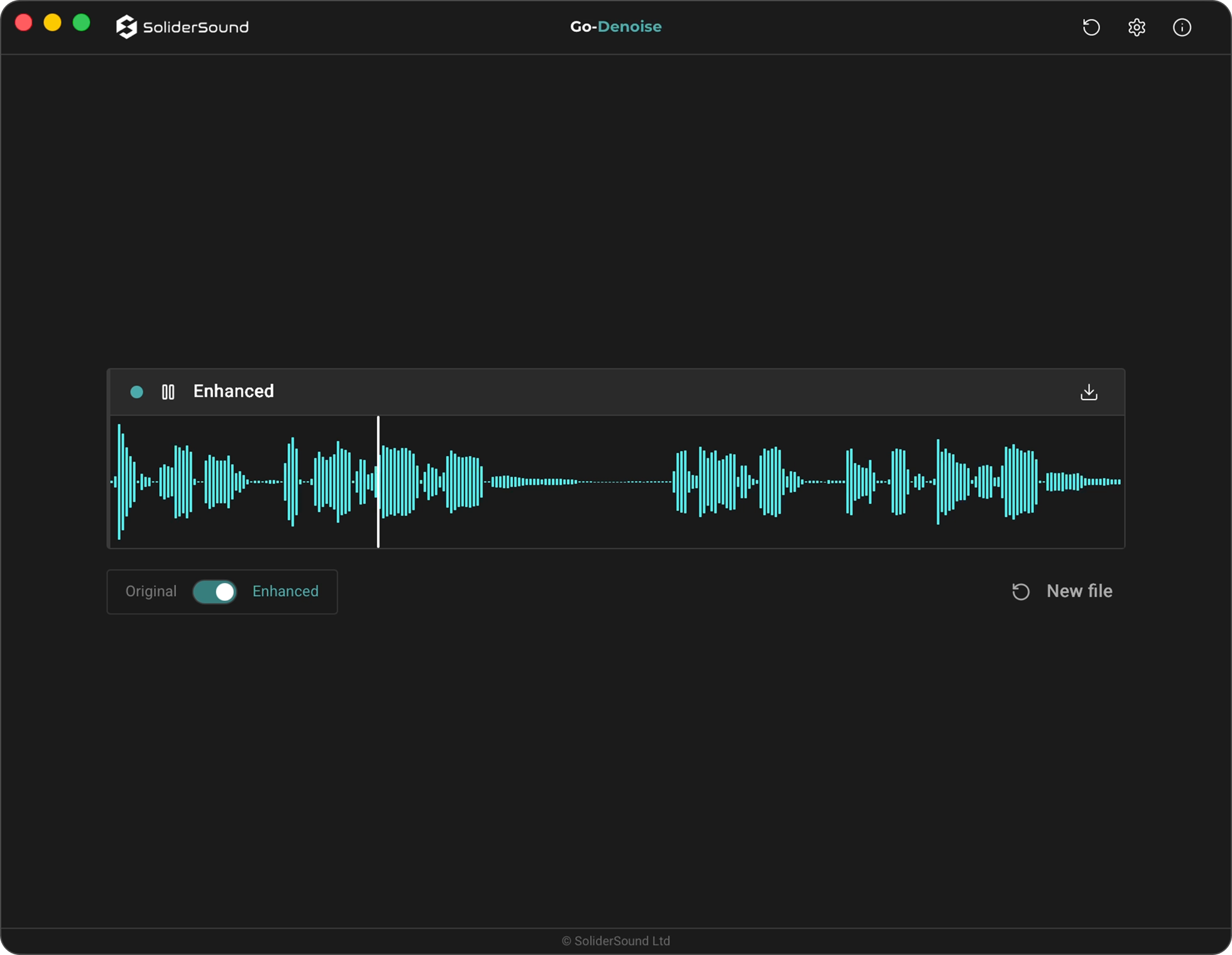
Preview the enhanced result in the waveform player, seek through the recording, and switch instantly between the Original and Enhanced versions. Export the finished result as a DAW-ready 48 kHz WAV directly to your Downloads folder.
See it in action
Engineered for Vocal Restoration
Built for producers, engineers, and creators, Go-Denoise runs a phase-aware on-device neural restoration engine designed for both singing and speech. It removes hiss, hum, environmental noise, and recording contamination while preserving vocal tone, clarity, and natural detail with artefact-free results. GPU-accelerated processing on macOS and Windows, instant Original/Enhanced comparison, and one-click DAW-ready WAV export keep the entire workflow fast, private, and fully local.
System Requirements
Operating Systems
macOS (macOS 15+ recommended; MLX build may require newer). Apple Silicon only. 8 GB RAM minimum (16 GB recommended).
Windows 10 or 11 (x64) with a DirectML-compatible GPU (NVIDIA, AMD, or Intel). 8 GB RAM minimum (16 GB recommended).
App Format
Standalone desktop application for Windows and macOS (not a plugin).