Go-Compose
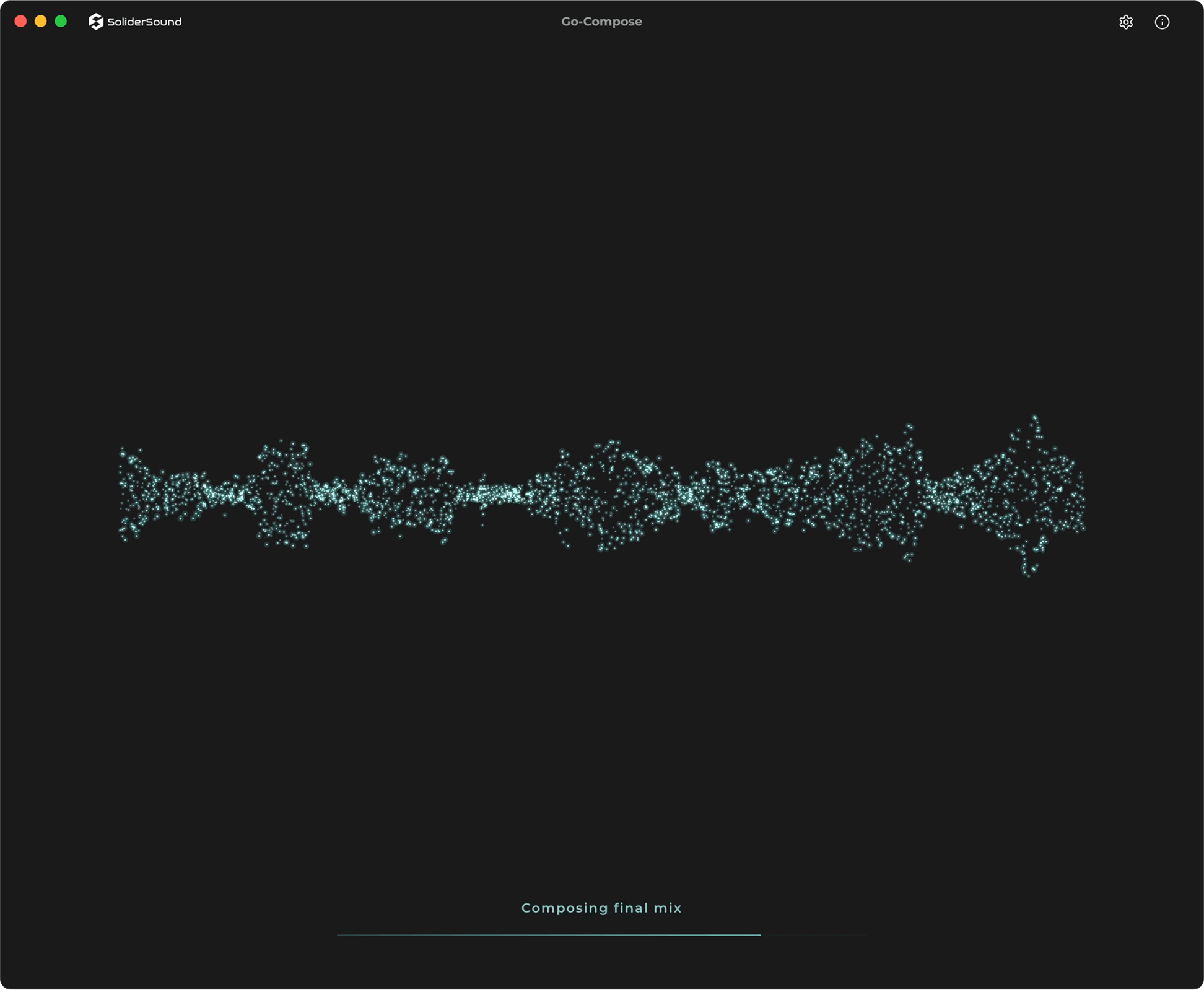
Go-Compose generates full songs, beats, and lyrics entirely on your Mac. A private, unlimited tool for producers to sketch ideas, demo directions, and capture inspiration — one purchase, no subscription.
Hear What It Creates
Every track below was generated entirely on-device by Go-Compose. No cloud processing, no post-production — raw neural engine output.
Use Cases
Built for producers at every stage of the creative process.
- Demo creationShape a direction before committing production hours
- Style explorationDiscover new sonic directions and harvest inspiration across genres
- Generate, split, remixGenerate a track, separate stems via Go-Splitter — topline, and remix
- Beat & loop sourcingChop, sample, flip in your DAW
- Client mockupsPresent direction before committing time
- Catalog & sample libraryBuild original material for your own library
- Mastering practiceGenerate fully mixed tracks to practice and refine your mastering chain
How it works
1) Describe
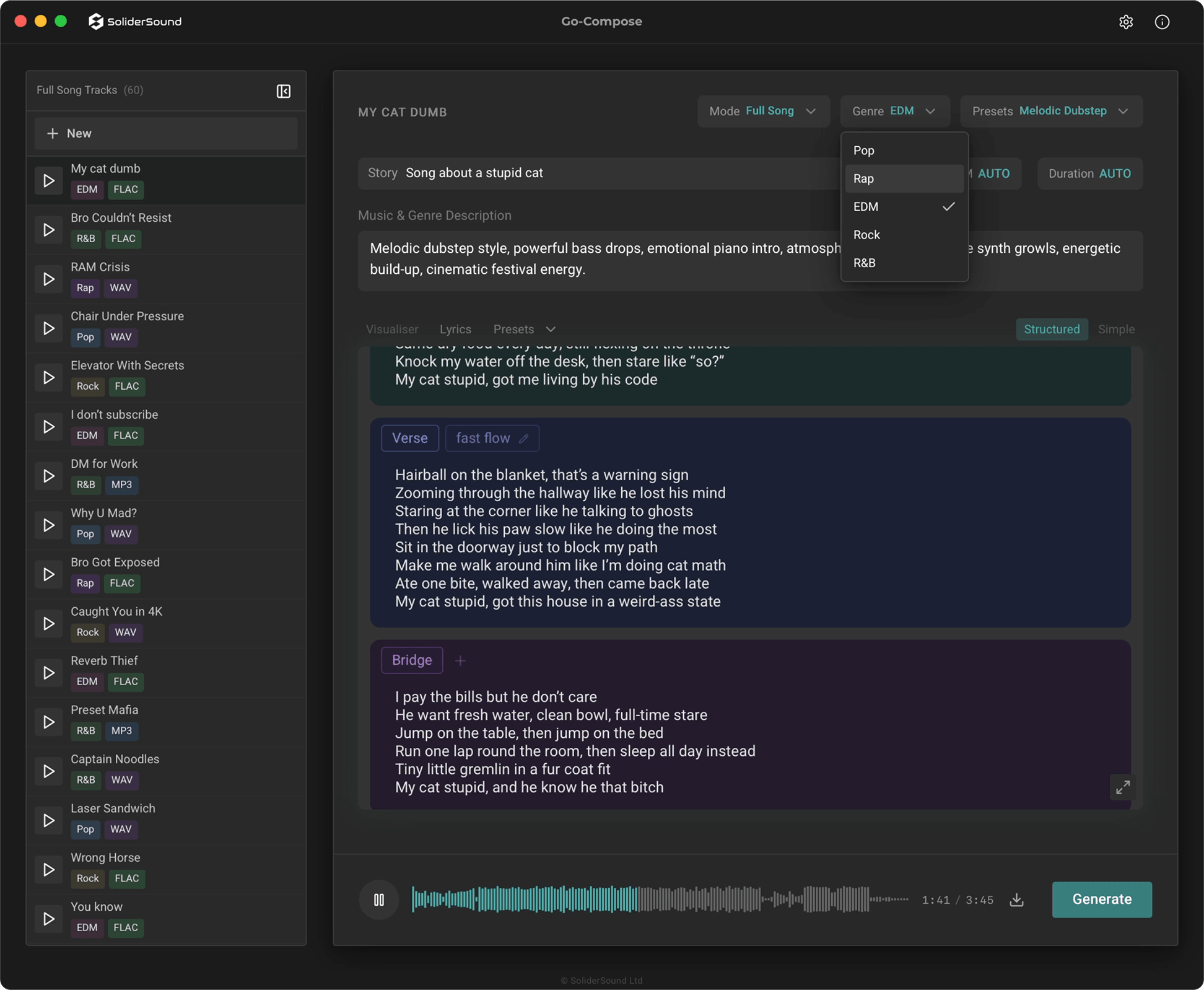
Enter your song title, choose your genre, set your BPM and duration. Use the built-in prompt assistant to refine your description, or write your own. Add lyrics manually or let the lyrics writer generate them for you.
2) Generate
Run the neural engine on-device. Choose between Balanced, Standard Quality, or Studio Quality to match your workflow. No uploads, no server wait times — your Mac does the work privately.
3) Export
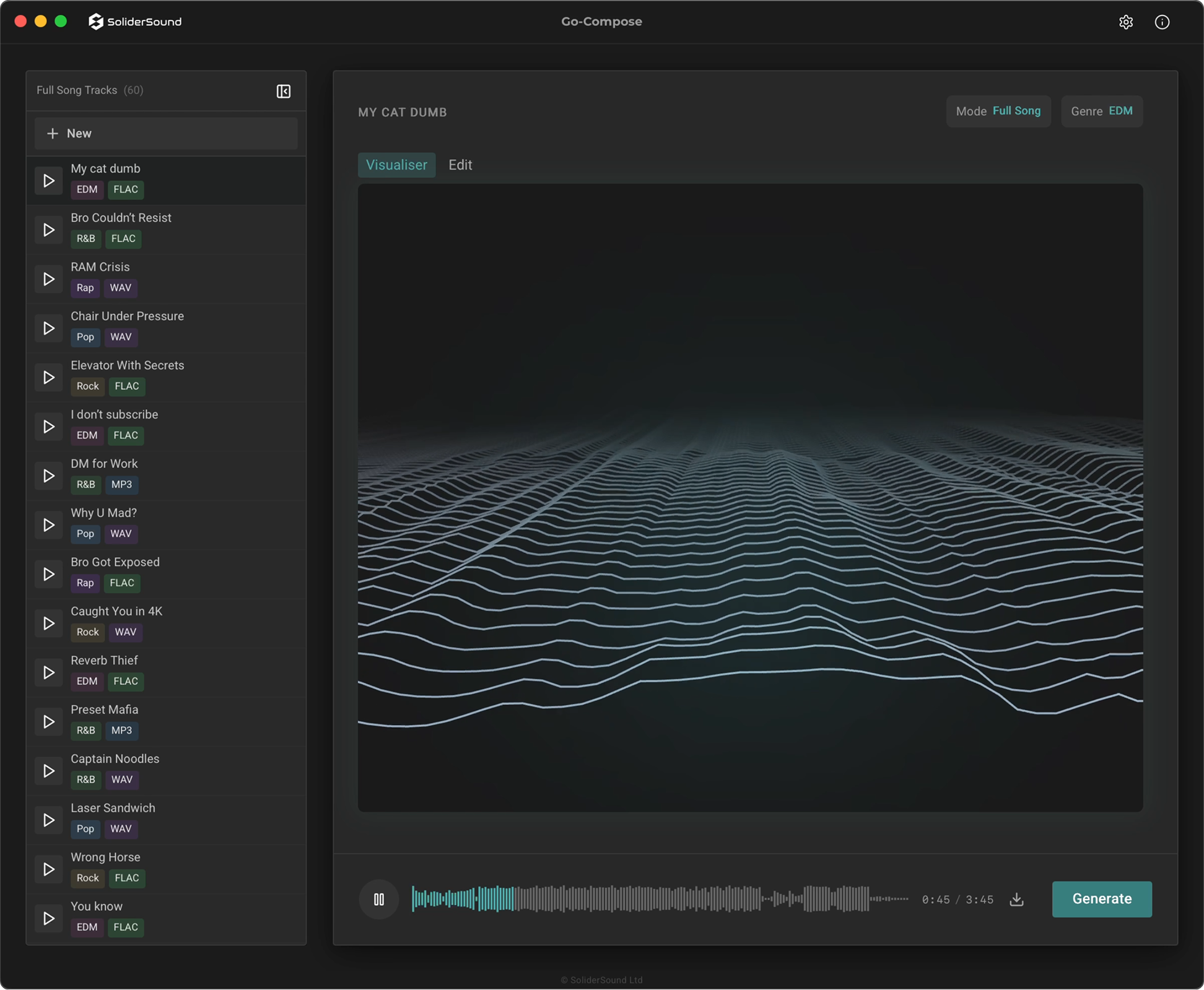
Preview your track, then download directly to your local disk in WAV, FLAC, or MP3. Full song or instrumental — every generation stays in your history, ready to revisit or re-export anytime.
See it in action
Built for Producers Who Own Their Tools.We Didn't Want to Build This
AI music generation wasn't on our roadmap. We build tools for producers — and we understand the hesitation better than anyone. But it's become part of the industry landscape. Quietly, and whether we like it or not. And the options out there want a monthly fee for it, your data behind it, and a cloud server between you and your ideas.
So we built Go-Compose the way we build everything else — like a piece of gear or audio plug-in you own. One purchase. Runs on your machine. Nothing leaves your studio. No credit limits or subscription extracting value from your creativity month after month. We're not here to replace what you do. We made sure to help, if you're going to use AI music generation in your workflow, the tool is yours.
FAQ
What are the system requirements?
Does it run offline?
Is my data uploaded to the cloud?
How does activation work?
I purchased—where do I download it?
System Requirements
Operating Systems
macOS 14.0 (Sonoma) or later. Apple Silicon only.
Minimum 24 GB RAM required.
App Format
Standalone macOS Apple Silicon application (not a plugin).