Go-Splitter
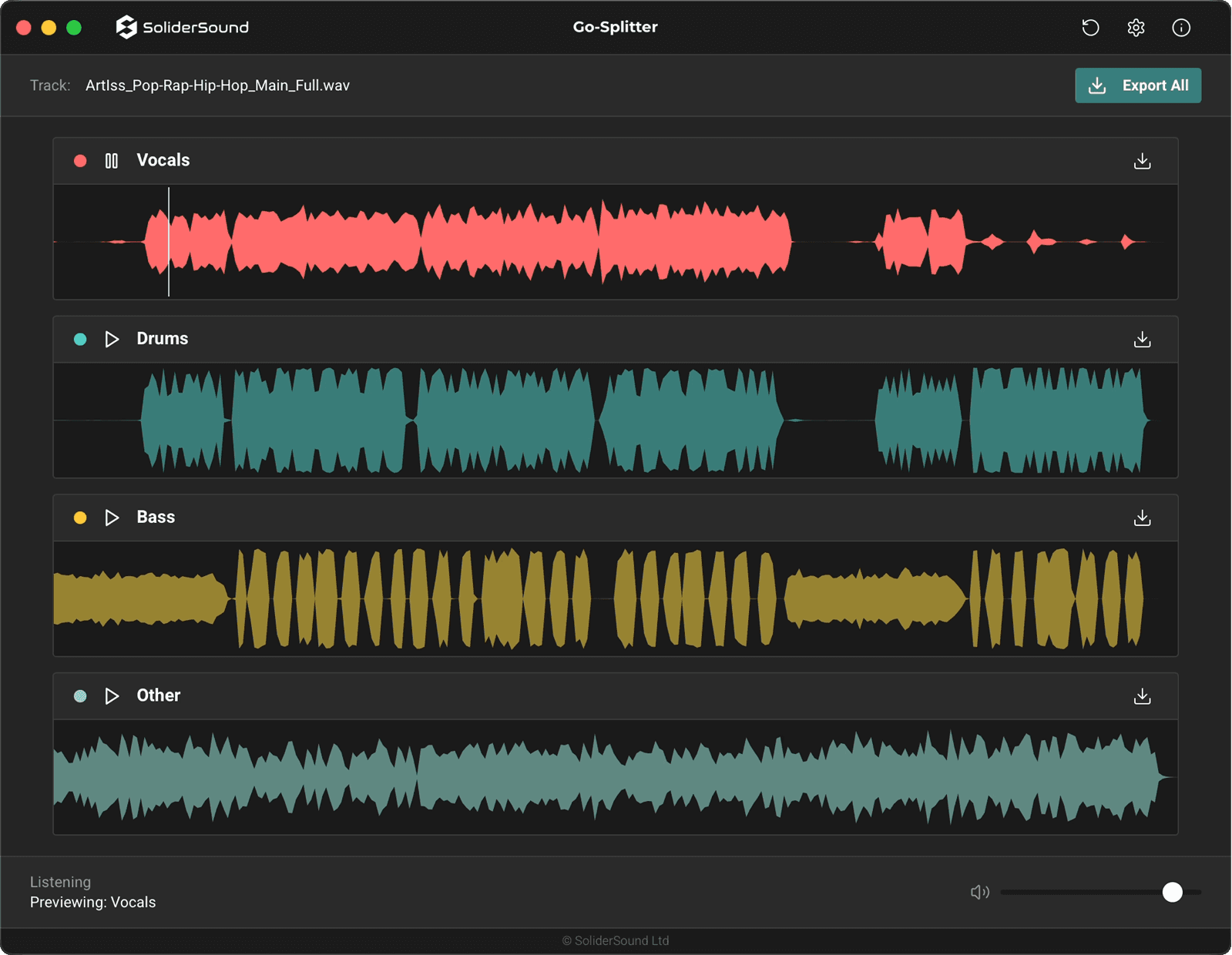
A high-performance desktop stem separation app that splits a full mix into four DAW-ready WAV stems: Vocals, Drums, Bass, and Other. Runs fully on-device for offline workflows.
Hear the split
Pick a full mix on the left, then audition individual stems on the right. Only one track plays at a time.
Mix
Select a song, then listen to stemsStems
Track 1How it works
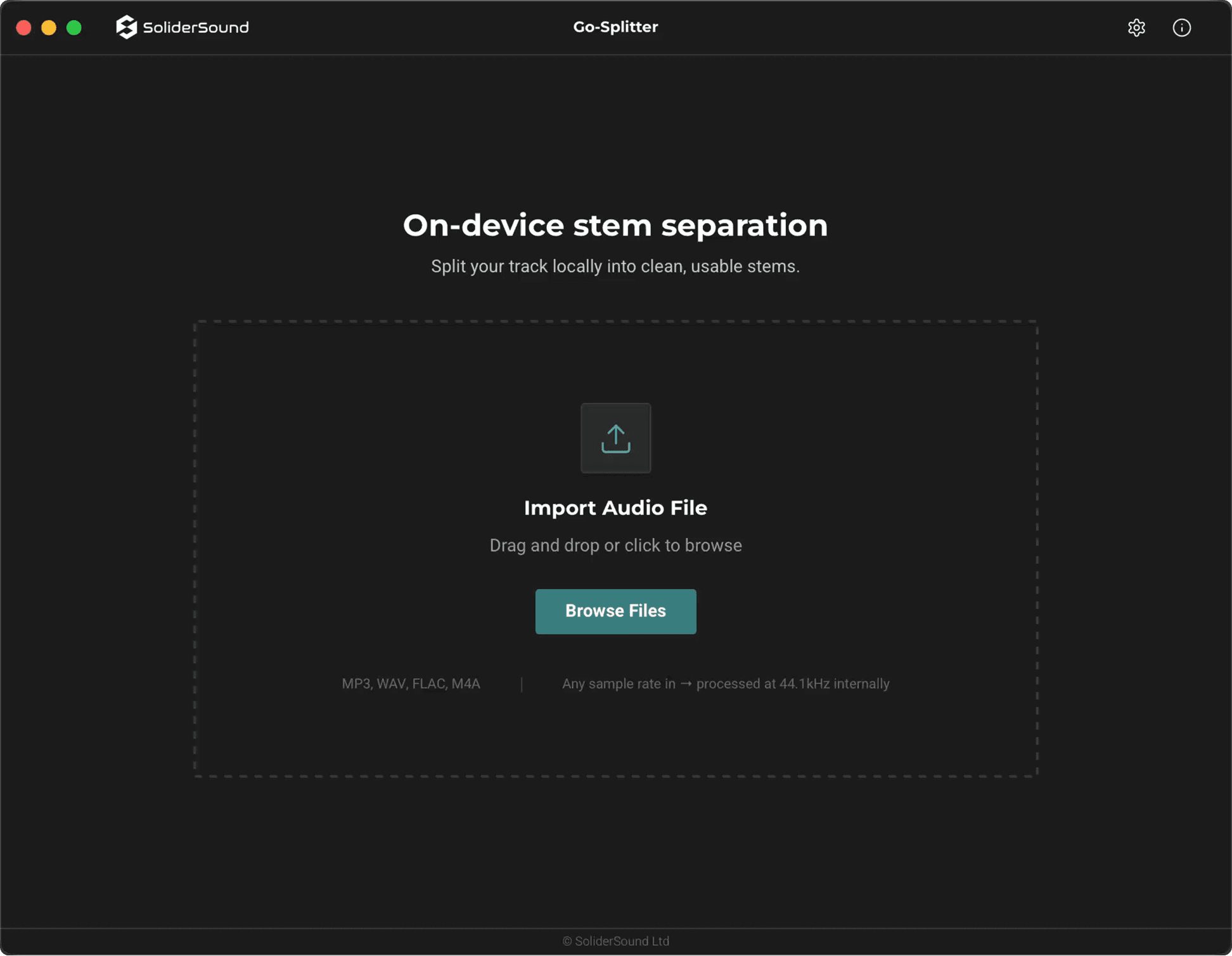
1) Import
Drag & drop a track or browse files. Common formats are supported (WAV, MP3, FLAC, M4A/AAC, AIFF, OGG), and the app converts internally to 44.1kHz stereo WAV for processing.
2) Separate
Run the neural separation engine on-device. Use quality presets and Advanced controls to balance speed with artifact suppression.
3) Export
Preview stems with waveforms and scrub quickly, then download each stem as a WAV or export all as a ZIP bundle (trial limitation: ZIP export is disabled).
See it in action
Engineered for Audio Professionals
Built for producers and engineers, Go-Splitter uses an on-device neural-network engine to split mixes into four WAV stems you can actually work with. Windows and Apple Silicon–optimised performance, advanced quality controls, offline-capable sessions after activation, and unlimited processing + ZIP export keep workflows moving.
System Requirements
Operating Systems
Mac: macOS 12.3 (Monterey) or later. Apple Silicon only.
Windows: Windows 10 22H2 or Windows 11 (x64).
App Format
Standalone macOS and Windows desktop application (not a plugin).